The moment a line-item is created in the database Vinosmith figures out the commission rate and attaches it to that line-item. If the supplier or rep commission rate doesn't exist at that time - then it is not attached to the line item. The benefit of this setup is if the commission rate change after the fact the commission rate at the time of order placement is locked.
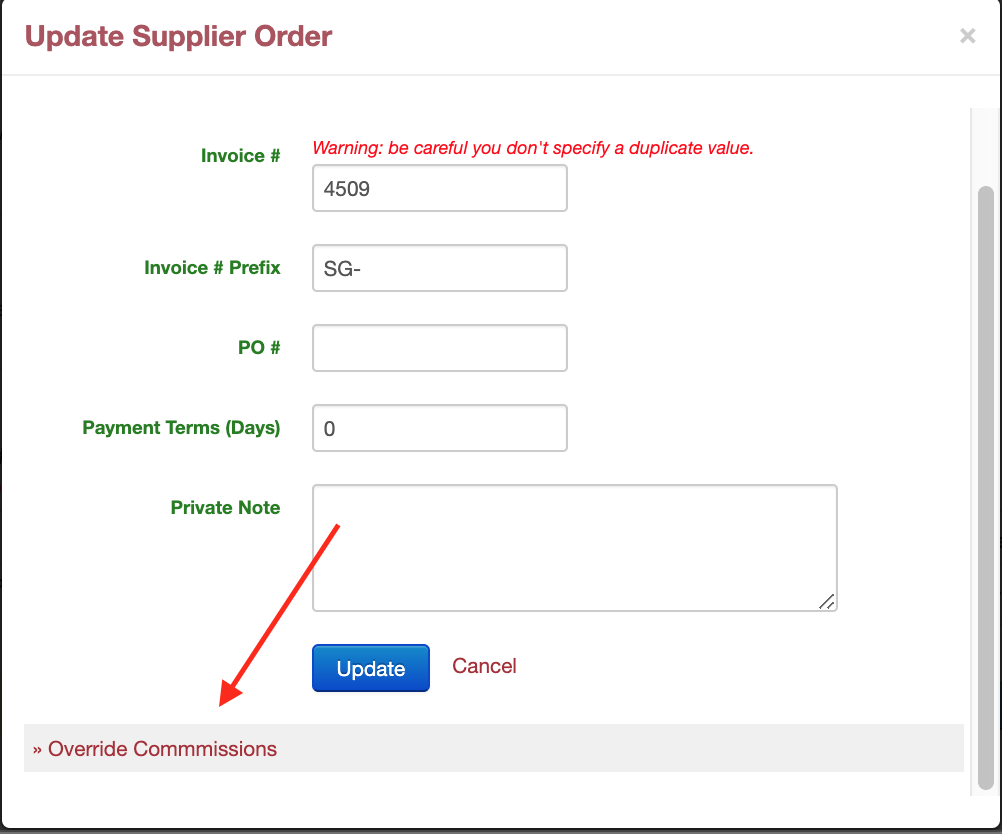
Admins can override the line item commissions on a confirmed order. To update the commission at the item level:
Click on the Update button
Scroll down to the » Override Commissions link
Update Supplier Commission Rate or Rep Commission Rate
Then Save