

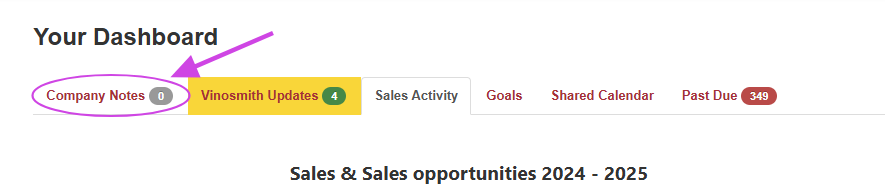
How to Add a New Company Note (Admin level users only):
Click on My Account
Click on Manage
From the left-side menu, click on Company Notes
From the left-side menu, click on Add A Note
An expiration date is not necessary. If you add one, the note will be automatically deleted on the specified expiration date.
You can edit the note to add more if you want to attach multiple attachments.
Add your note details, and click on Save
Company notes can also be generated from notes made at the product level. When you create a note at the product level, if you check the box labeled "Add as a Company Note," that note will be displayed on the Company Notes page along with a link to the related item.
Additional Features
Condensed and Expanded Modes
When viewing Company Notes, you can toggle between Condensed and Expanded modes depending on how much information you'd like to see.
Condensed only displays the published date and title of each Company Note, making it easier to browse through them quickly. Click a note's title to expand it and view its full contents.
Daily Digest
If you have an Outbound Email created, it will opt-in your organization into a Daily Digest. Every morning, Vinosmith checks for Company Notes that were published the previous day and sends a Daily Digest email containing those Notes to all active users.