

You can share a specific url to invite your buyers to the Vinosmith Marketplace.
Once you’re logged into Vinosmith:
Click on ‘My Account’ in the upper right-hand corner
Scroll to the bottom of the page to the"Invite to connect URL" box
You can copy this URL to your clipboard by clicking on the paper icon.
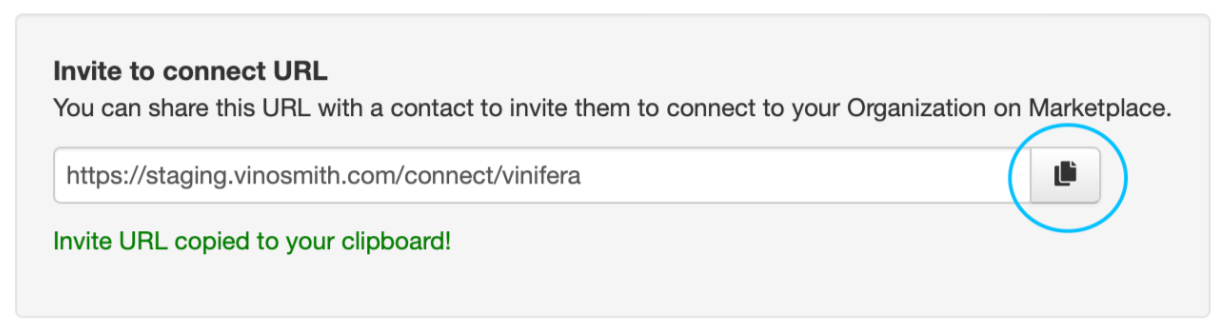
You can share this URL with your buyers through text message, email or even a dedicated link on your website.
This URL will take your buyer to a sign up page. If they have already had access to the marketplace they’ll also have the option to sign in here.