Click on Wines
Under Warehouses, click on Manage
Click on the name of the warehouse to be disabled
Click on Edit
Next to Active?, uncheck the box
Click on Update
Note: Disabling a warehouse does not clear out inventory quantities.
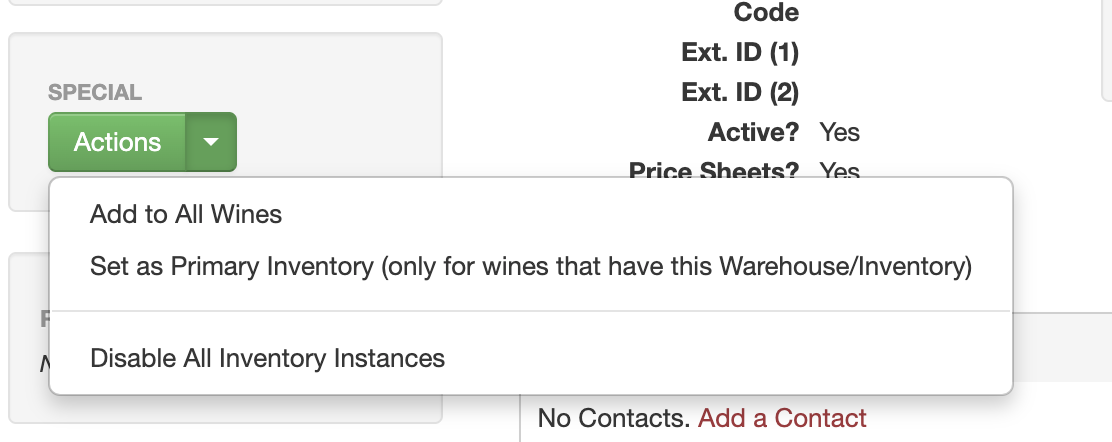
If you want to keep a warehouse active but disable it from all the items with that warehouse, select "Disable All Inventory Instances" from the Action button