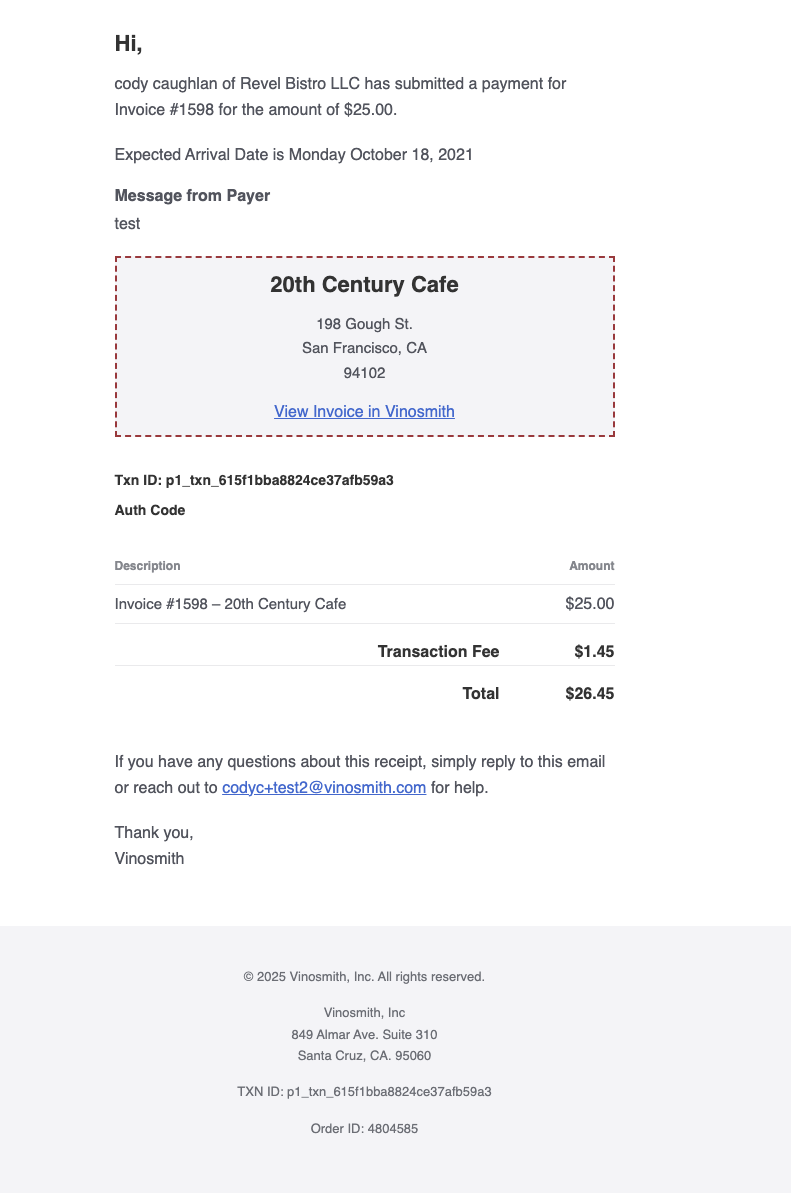
As the Distributor you can opt-in to receive notifications for:
Customer payments initiated
Deposits initiated into your bank account.
You can specify as many email recipients as you wish.
To manage email recipients:
Navigate to the Products tab
In the left click on Manage > Suppliers
Click on your Supplier
In the left click on Payment Platforms; then on the Vinosmith
In the Email Recipients field enter email addresses, comma-delimit multiple
Save your changes.
Example Email Notification
The email you receive will look similar to: