Here is how to get started:
1. Click on My Account and then Manage in the left
2. In the left navigation is a link to Edit A/R Email
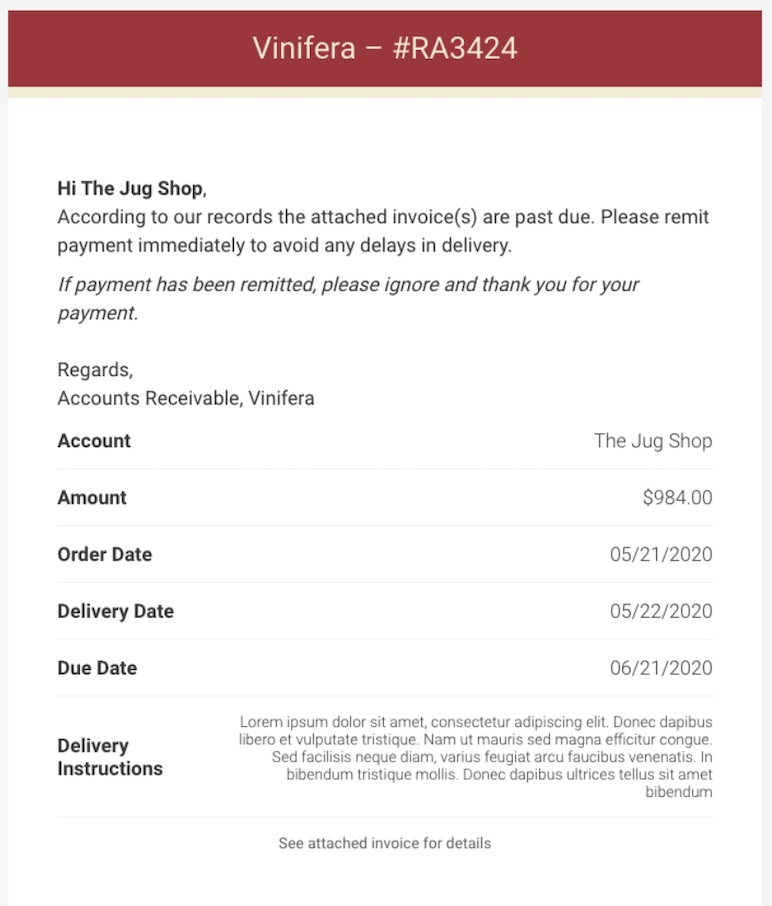
You can proceed to update the email subject and body as needed. We do support a couple of different variables you can use in your content.
If no content is provided in either Subject or Body then the standard copy will be used.