You can embed a Google Calendar into your Vinosmith Dashboard.
Instructions
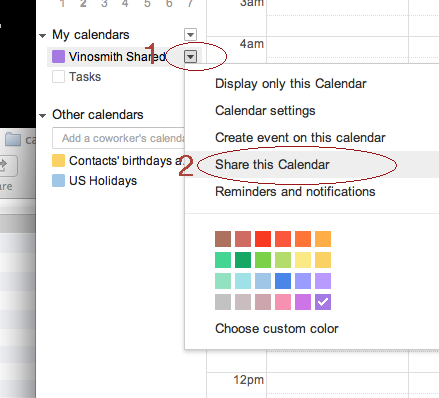
Login to Google Calendar and in the left-hand pane, access the settings for the Calendar and choose Share this Calendar
Ensure the sharing settings look like:

Note: If you do not see "See all Event Details" in the drop-down menu then an Administrator of your Google Apps will need to make adjustments to the Calendar sharing settings. See Adjust Google Apps Calendar Settings below.
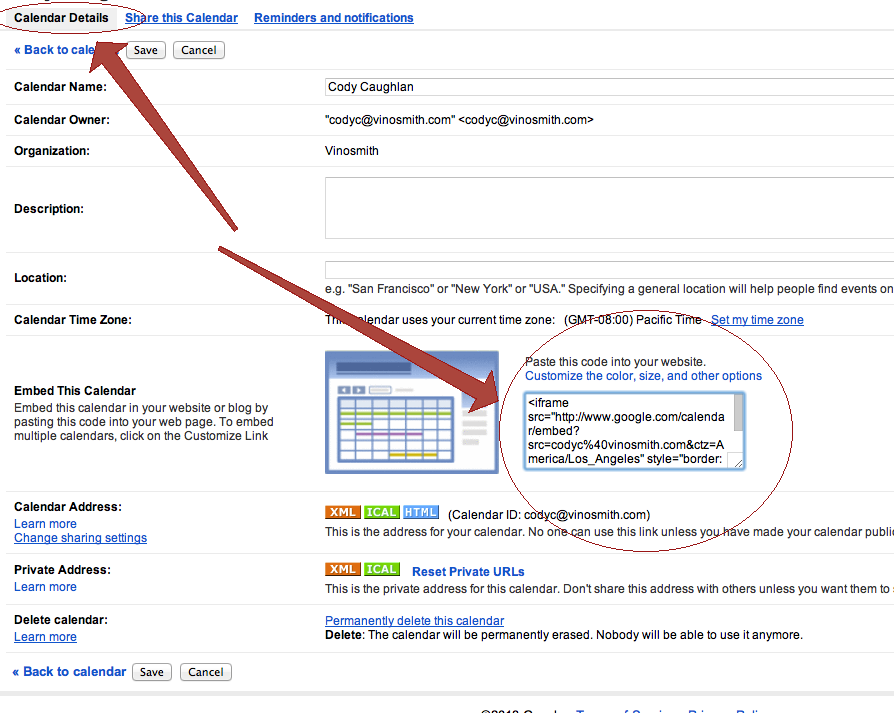
Click on Calendar Details in the top-left and copy the embed code to your clipboard:
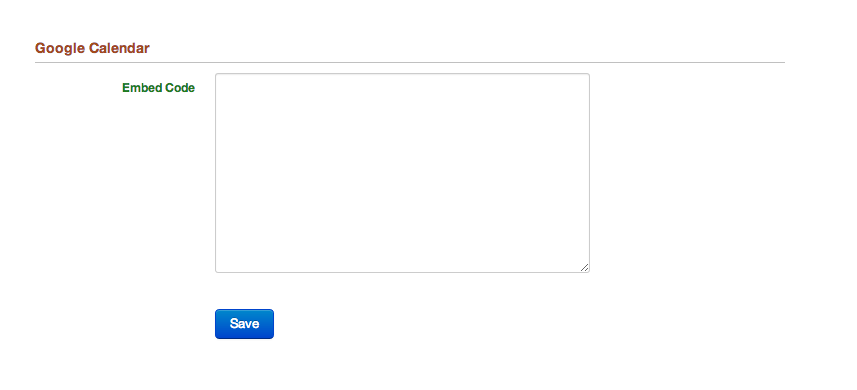
Paste the Embed code into your management settings:
Adjust Google Apps Calendar Settings
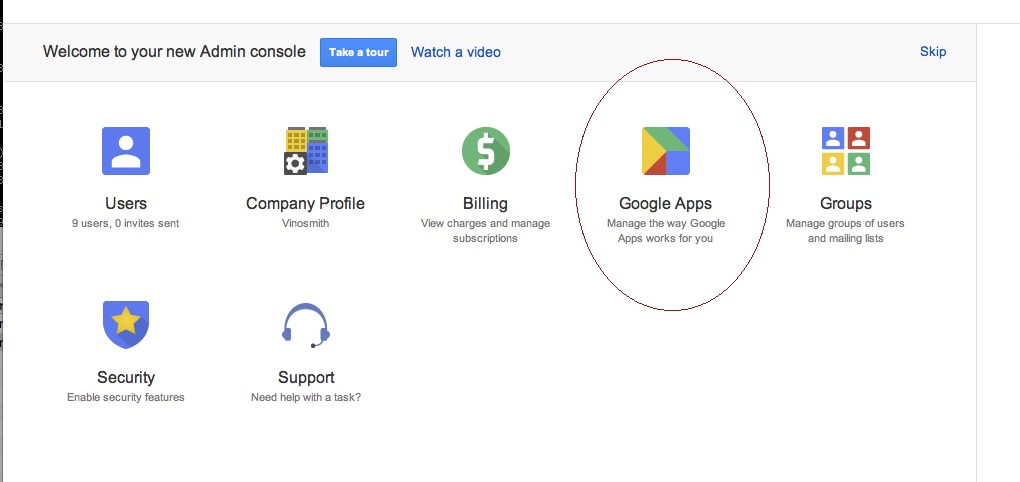
Login to your Google Apps administrator control panel and click on Google Apps.
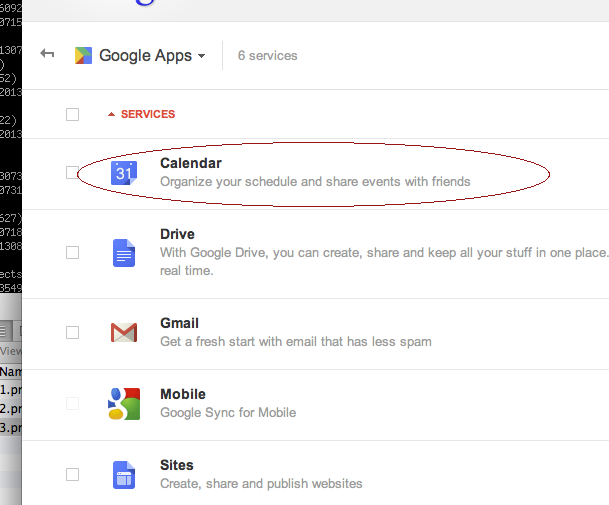
Click on Calendar
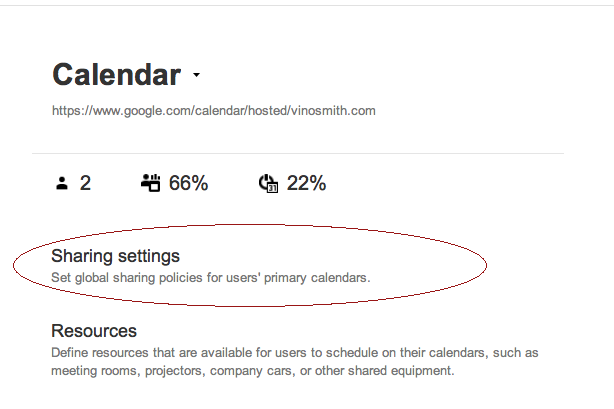
Then click on Sharing Settings
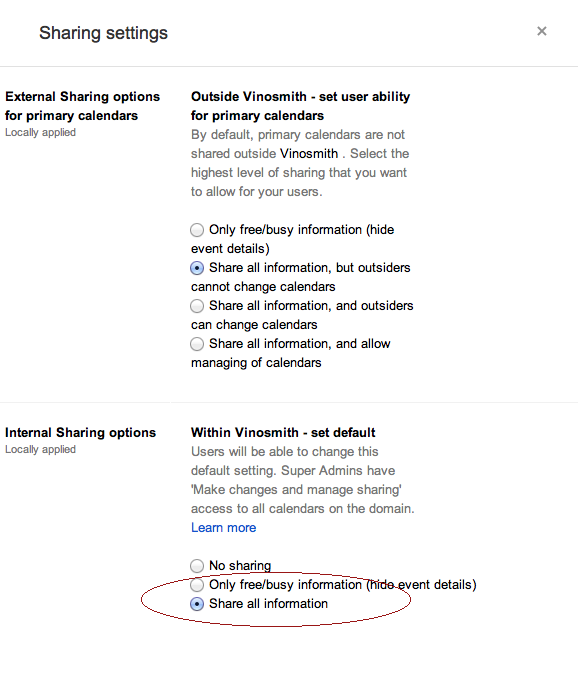
In the Internal Sharing Options settings ensure that Share all Information is enabled: