This tool is particularly useful when an order is sent to a third-party warehouse for fulfillment, but inventory quantities need to be adjusted at a different warehouse location. For instance, if a warehouse fulfills an order for 1 case and a sales representative picks it up to bring to your company's office for use as samples, this tool enables you to quickly increment the inventory at the office.
Navigate to a single order's details
On the left, look for Add to Inventory
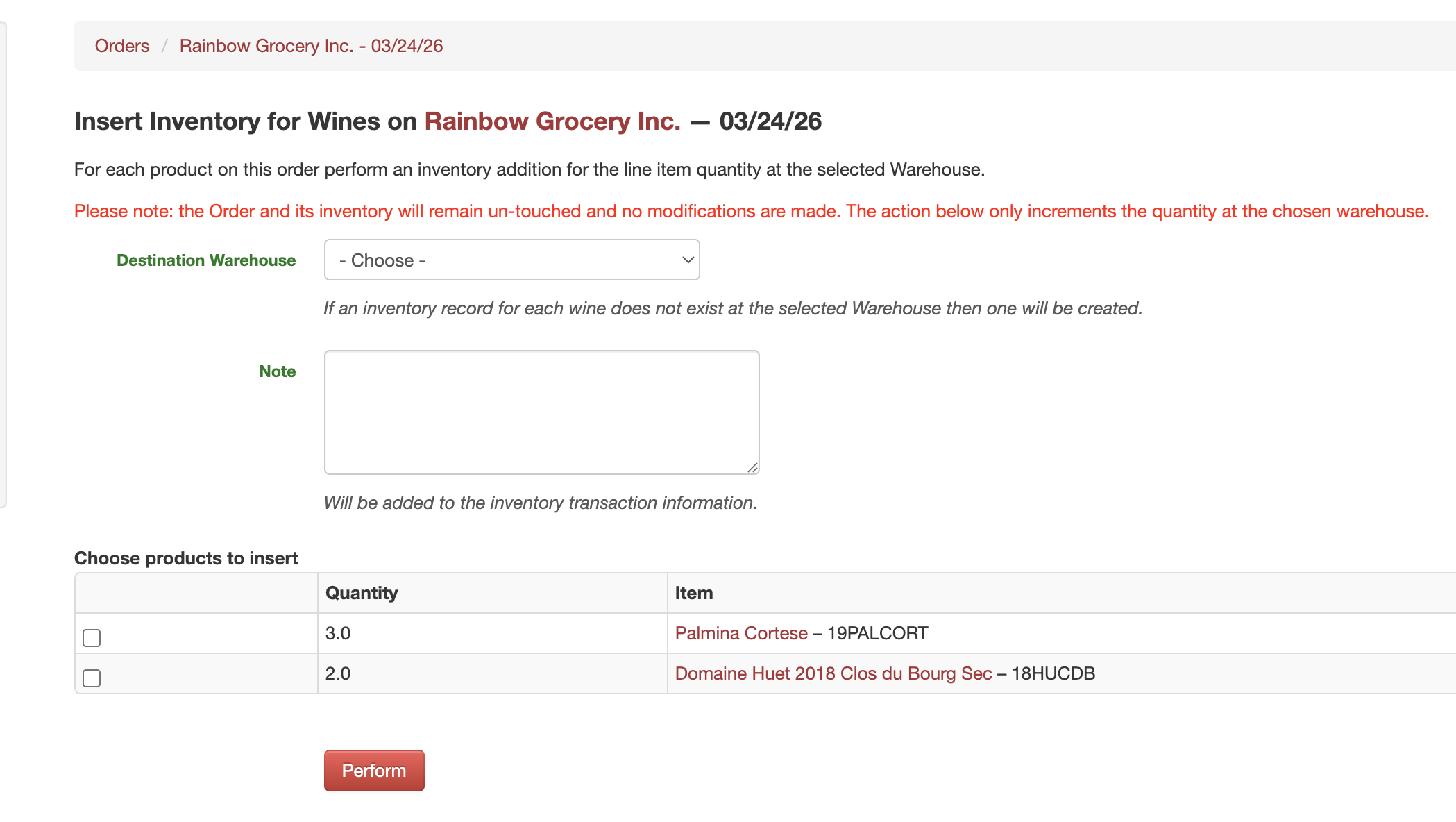
On the next screen, choose the warehouse, optionally add a note, and choose wines to insert
The line item quantity will be incremented at the target warehouse.
Please note: the Order and its inventory will remain untouched, with no modifications. The action only increments the quantity at the chosen warehouse.
A new inventory record would be created if none exists. Notice the optional note is incorporated into the transaction. Also, we log this transaction as a "Transfer."