

When an account connects with a distributor for the first time, the New Account Application automatically displays for the account to complete.
When a distributor invites an account, the Account Application does not automatically display for the account to complete before connecting.
Where to Find the Account Application
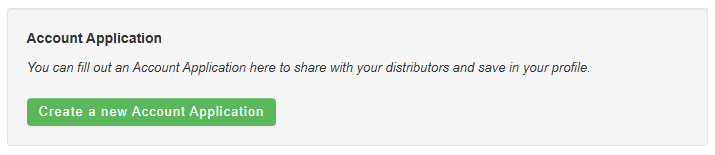
The Account Application can be found on the account's Dashboard.
How to Share an Account Application
On the dashboard, the account has the ability to share their Account Application with any distributor they are connected to already (before creating the Account Application).
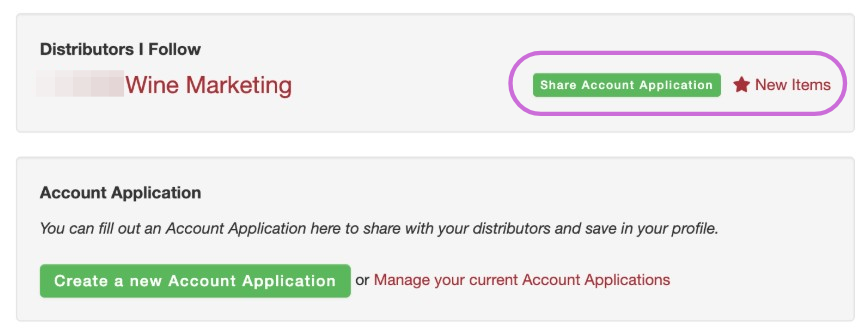
After clicking on Share Account Application, the account will be given the option of which application(s) to share and will send it to you as the distributor.
Who Receives the New Account Application?
To receive the new account application the trade.orders outbound key must be configured.
When an application is submitted, the emails populated in the trade.orders outbound key will receive an email with the account application. The application is embedded in the email. There is no PDF.