Invoices for Total Wine require a specific format. You can export a single invoice in the format they require by following the steps below.
How to create a single Invoice for Total Wine
Only confirmed orders can be pushed to Quickbooks. Once an order is confirmed, in place of the "Confirm" button is now a "More Actions" drop-down.
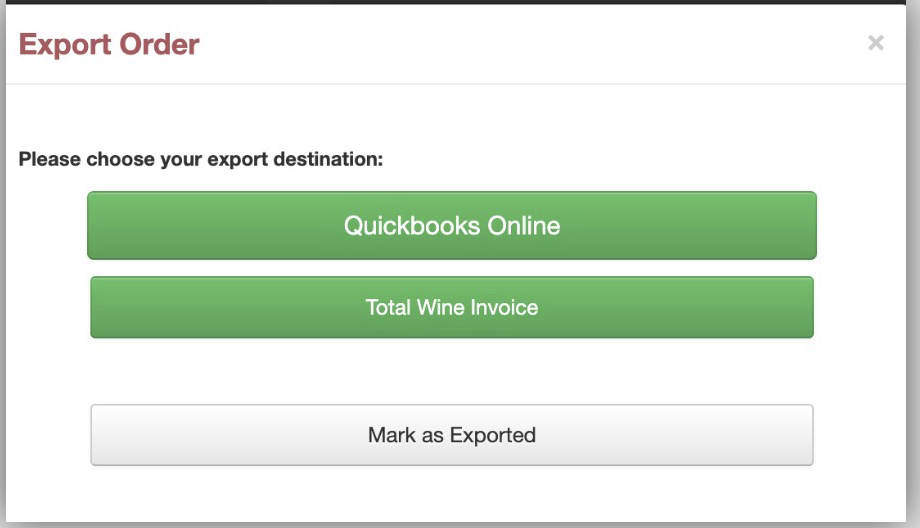
In this drop-down is an option to Export, when you choose the Total Wine Invoice option in the pop-up.
The file is downloaded to your download folder.
Note: We do not have a relationship with Total Wine. Please work with Total Wine directly regarding how to provide them with single orders.