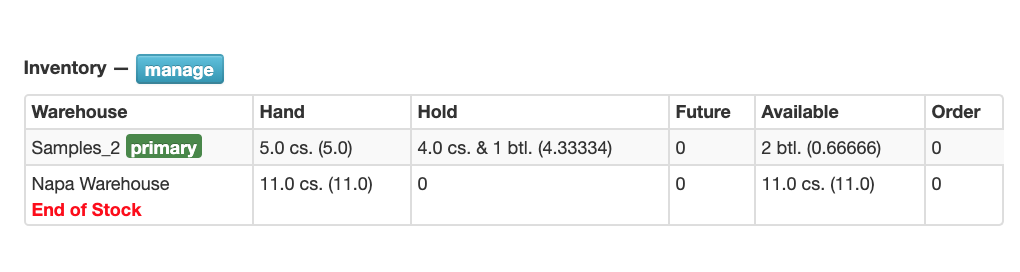
Admins can flag a product's inventory at a warehouse as End of Stock. This is only a visual flag. The End of Stock flag is visible to all users. No actions or notifications are triggered.
To add this flag:
Go to the specific Product
In the Inventory section click on the blue Manage button
Click the red Adjust link
Check the End of Stock box
Then Save