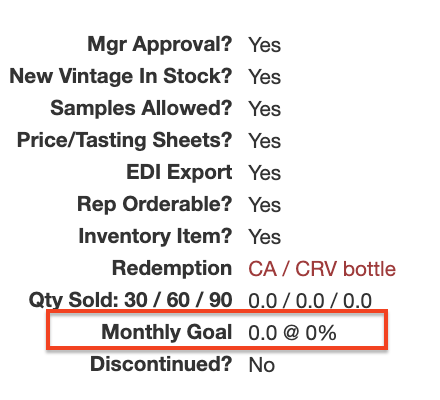
Admins can input a number representing the "projection" for units sold over the next 30 days, serving as a sales target for that product.
The monthly goal appears below the quantity sold during the last 30, 60, or 90 days on the right side of the product page. This percentage updates in real-time and reflects the “Monthly Goal" based on the quantity sold: 30. Monthly goals for product can be entered manually by editing a product or in bulk through the product properties file.