

Follow these steps to create an order from a tasting:
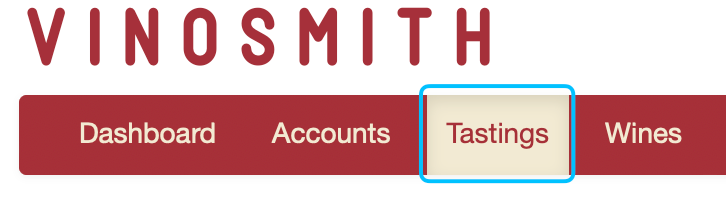
Click on the "Tastings" tab.
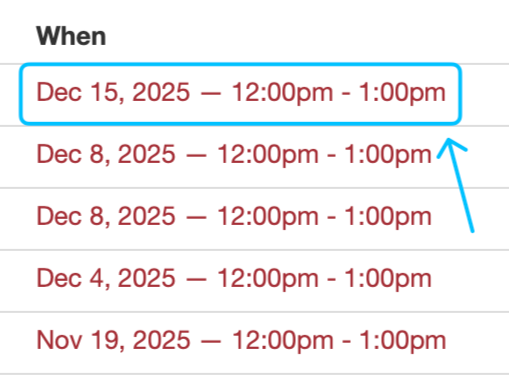
When viewing your tastings, click the date and time for a tasting under the "When" column.
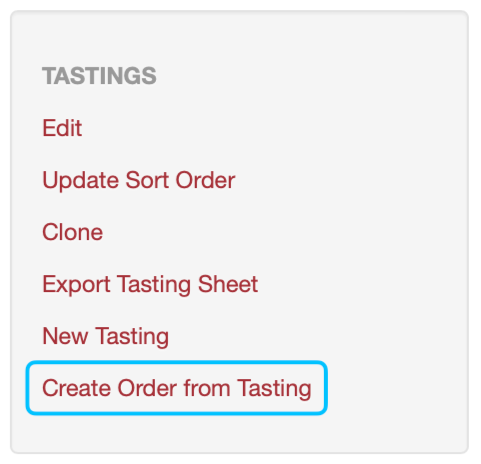
This will bring you to a screen where you can see all the relevant information about your tasting. On the left-hand side of the screen, you'll see the "Create Order from Tasting" option. Clicking here will copy all the items from the tasting to the order screen.
Whether you have one or hundreds of tastings, you can follow these steps to create an order from them.