

Please contact Vinosmith Support at help@vinosmith.com if you are interested in this feature. Once enabled, it can take up to 24 hours for the results to populate the export.
Once enabled, you can surface this additional information when you export your Product Properties to Excel.
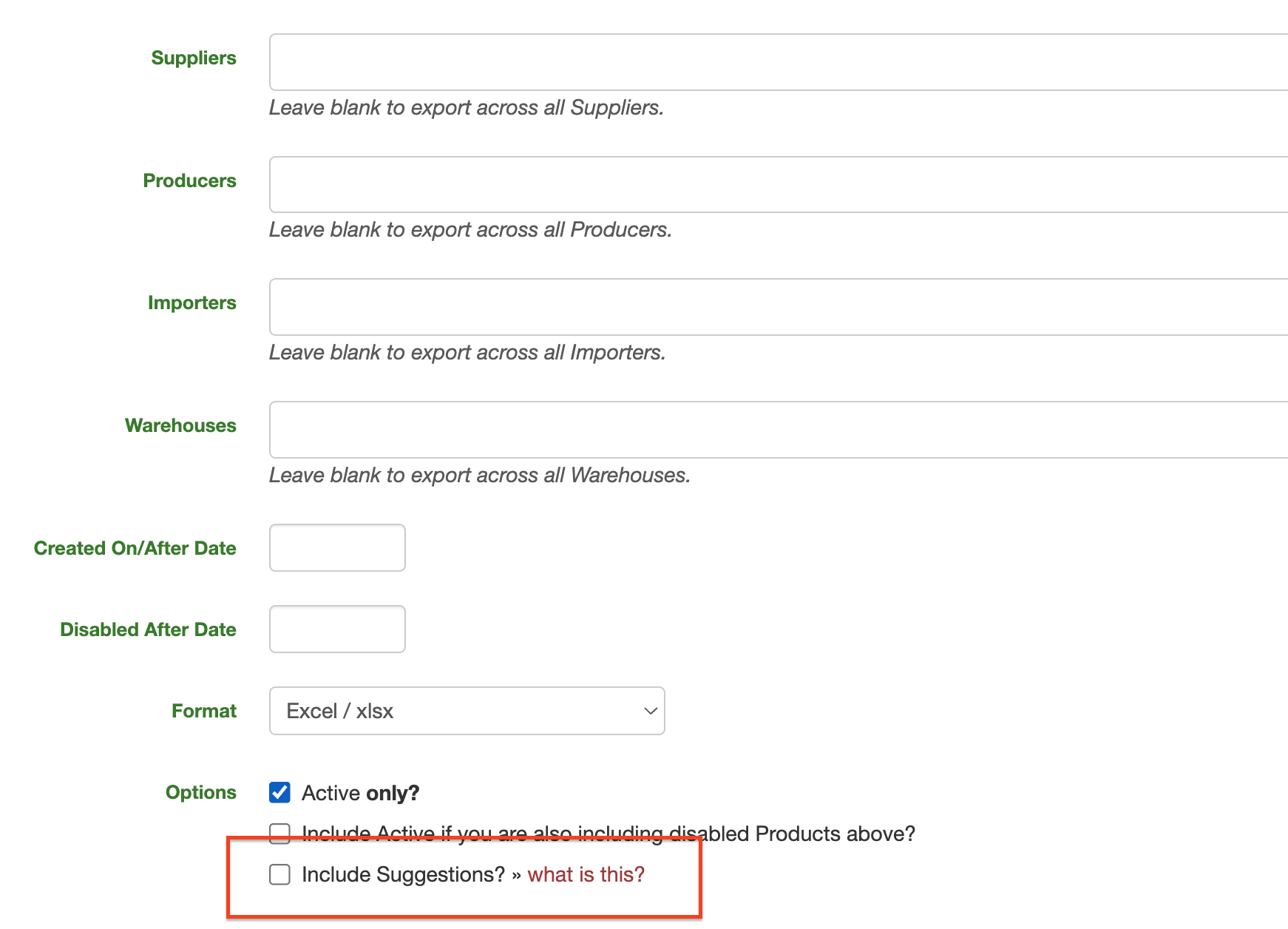
In the Excel document, the additional suggestion columns are displayed alongside their sibling columns (Appellation and Suggested: Appellation). If there are empty fields, this means AI was unable to find any suggestions.
You can select and include any of the suggested data and import it back into Vinosmith.
Note: If a suggestion is in red then it means that value is not in a list maintained by Vinosmith.
For example, Vinosmith maintains a Region list. Any value in that list can be assigned to a Product, but you cannot assign an arbitrary Region to a Product where that Region value is not in the central list. If you need a Region and don't see a similar entry, email help@vinosmith.com to request that the Region be added.
Thus, when the Suggested: Region column is included, if the suggested value is not in the central Region list, it will be displayed in red.